
David Pogue discovered the awesome shortcut for entering the period, but why stop there? If you’ve used the primary keyboard on the iPhone for any length of time, you will surely notice that it’s missing all punctuation marks, including numbers. Taking Pogue’s discovery, I’ve been able to shortcut my way through all punctuation marks including numbers!
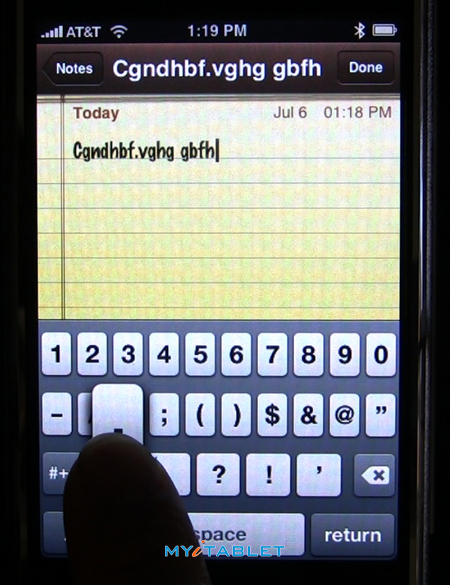
Instead of going through the following steps every single time you need to enter a period or any other punctuation marks:
(1) Tap the “.?123” key in the lower left to summon the punctuation layout. (2) Type the period. (3) Type the ABC key in the lower left to return to the alphabet layout.
Click over to watch demo video of the far easier way to access punctuation.
[MEDIA=44]
You can do it in one simple motion by tapping and hold the “.?123” key. Once the punctuation layout appears, slide your finger to any keys including numbers, and then release.
Amazingly, the ABC layout returns automatically. Thanks David!


Yah this is a pretty nifty thing t have but i honestly dont think that doing it the other way is saving that much time. I love my phone either way.
It’s definitely a time saver for me.
Yup me too!
Works with the SHIFT key too.
~ CB
It definatley seems like it would save time for users. Nice feature.
You know, for periods, commas, etc. all you have to do is hit the spacebar and it takes you back to the alpha layout. I’m not trying to decrease the awesomeness of this shortcut, but sometimes this is as critical as it’s made out to be.
[quote comment="5360"]You know, for periods, commas, etc. all you have to do is hit the spacebar and it takes you back to the alpha layout. I’m not trying to decrease the awesomeness of this shortcut, but sometimes this is as critical as it’s made out to be.[/quote]
yep, I still find myself using the “long” method :).